LG publishes a condition and then every string that can stand for it, and which one your machine shows depends on the panel it was built with. OE, E03 and E21 are one washer condition. IE, E02 and E10 are another. Splitting those into separate pages would produce near-identical pages competing with each other, so they are one page here with every spelling printed on it.
70 conditions · every spelling LG uses
Every code LG publishes, and what it means before anybody is called.
LG is one of the best-documented makes we work on. It publishes proper code lists for five families and, on the laundry machines with no numeric display, what the blinking indicator lights mean instead. This archive carries one page per condition rather than one per string, so whichever spelling your machine shows, this is the right page.
- 70 conditions published
- 225 strings they carry between them
- 10 that are signals rather than errors
- 5 appliance families
All of them
The full index
Filter by appliance first. The same characters do not always mean the same thing across machines — OE is a washer drain and a dishwasher drain, and on refrigeration the letter in front of the code says which evaporator is being reported.
- CF The fan over the condenser has stopped turning, and the machine has noticed
- FF The fan that moves cold around the freezer is not turning
- rF The fan feeding the fresh food side has stopped
- FS The sensor reporting the freezer temperature is not making sense
- rS The fresh food compartment's own sensor is not reporting properly
- dS The sensor that decides when to melt the ice off the coil has failed
- rT The machine cannot read the temperature of the room it is standing in
- IF The fan that carries cold to the ice maker has stopped
- IS The ice maker cannot tell whether the cubes are frozen yet
- It The ice maker's own motor is not turning the harvest
- tt The internal water tank is missing or not seated
- CO The main board and the display have stopped talking to each other
- Er The refrigerator has found something wrong inside itself and wants a technician
- OFF Not an error — the machine has been told not to cool
- HI Not a machine error — a warning about where it is standing
- AE The machine has found water where it should not be, and is protecting the floor
- IE Not enough water is arriving, or it is arriving too slowly
- OE The water that went in has not come out
- tE The machine cannot tell how hot the water is
- HE The water is not getting hot, or is getting hot in the wrong way
- LE The motor that drives the spray arms is overloaded or stalled
- PE The machine cannot agree with itself about how much water is in the tub
- bE There is far more foam in the tub than the machine can wash through
- nE The pump that switches the water between the spray levels is not responding
- CL Not an error — the panel has been locked
- F31 The fan in the drying system has stopped
- F35 The drying system cannot reach or hold its temperature
- F37 The door that should open itself at the end of the cycle has not
- OE The machine has finished washing and cannot get rid of the water
- IE The machine is not filling, or is filling too slowly to finish in time
- UE The drum cannot spin the load safely because it is on one side
- dE The machine cannot prove the door is shut, so it will not start or will not open
- LE The motor is overloaded or cannot turn
- PE The machine cannot measure how much water is in the drum
- PF The cycle was interrupted by the power going away
- tE The machine cannot read the water temperature
- Sud The machine has found more suds than it can spin through, and is adding a rinse
- FF The machine believes water in it has frozen
- tcL Not an error — the machine has counted enough loads to want cleaning
- CL Not an error — the panel is locked
- E6 The clutch that couples the motor to the drum is not engaging
- EE The board that runs the machine has reported a problem with itself
- PS The voltage arriving at the machine is outside what it will run on
- vS The sensor that watches how much the machine is moving is not reporting
- OPn The bulk detergent dispenser is open, empty, or not reporting
- blinking The machine has no numbers to show you, so it reports by which lights blink
- tE1 The sensor that measures the dryer's heat is out of range
- nP The machine is tumbling but no power is reaching the heat
- dE The machine cannot confirm the door is closed
- LE1 The drum is not turning when the machine asks it to
- d90 The machine is measuring how blocked its own exhaust is, and reporting a percentage
- drn A ventless dryer cannot get rid of the water it has taken out of the load
- HS The sensor that decides when the load is dry is not reporting
- E1 A machine with a steam cycle cannot get the water it needs
- dryer-led The dryer reports by which indicator lights blink rather than by a number
- F1 The sensor measuring the main oven cavity has gone out of range
- F4 The same sensor problem, in the lower cavity
- F6 The cavity is not reaching or holding the temperature it was set to
- F10 The motorized lock has not reported that it did what it was told
- F11 The control and the display are not talking
- F16 The oven has rejected its temperature sensor's reading
- F17 The fan that moves air around the cavity is not turning
- F18 The temperature probe socket is reporting a problem
- F21 The steam system's own sensing has failed
- F27 The fan that keeps the surrounding cabinet cool has stopped while the oven was at its hottest
- F3 The touch controls are reporting a key that is stuck or wet
- F33 An induction zone cannot measure its own temperature
- H5 Not an error — the glass is above 150°F and the cooktop is saying so
- PF The supply to the appliance was cut while it was working
- 5b Not an error — the oven is in a mode that disables most of its controls
No code here matches that. Codes differ between series, and some are only shown on the service display — call (305) 419-0291 with the model number and what the display is doing.
Every entry here was read from LG's own US help library. LG answers 403 to a plain request, so the archive was read through a browser and the way into it was LG's own support sitemap; the archive is in this repository. Nothing on these pages is the maker's wording — the code strings, the condition each belongs to and the appliance that shows it are theirs; the meaning and the steps are ours.
The letter in front is part of the code
Er dS, F dS and r dS are three different coils
On refrigeration LG uses a prefix to say which part of the machine is complaining. Er dS is the defrost sensor on a cabinet with one evaporator. F dS is the freezer coil of a cabinet with two, and r dS is the refrigerator coil of the same machine. Writing down the letter along with the code is the difference between knowing which coil to open and finding out the hard way.
Before you cut the power
Two minutes that save a visit
What the machine is reporting
- A code on the display, written down exactly — including the letter in front of it.
- On a refrigerator, hold Freezer Temperature and Express Frz together for three seconds to bring the last code back.
- On a laundry machine with no numbers, count a full blink sequence and photograph it.
- Do not cut the power first. A code that has been reset is information nobody has.
The model number, off the appliance
- Refrigerators: inside, on the left wall of the fresh food compartment.
- Washers and dryers: inside the door opening, or on the back panel.
- Ranges and wall ovens: on the frame behind the door, or under the cooktop.
- Dishwashers: on the edge of the door, visible when it is open.
No code?
Start from what it is doing
Most people do not have a code. These pages start from the behavior instead.
-
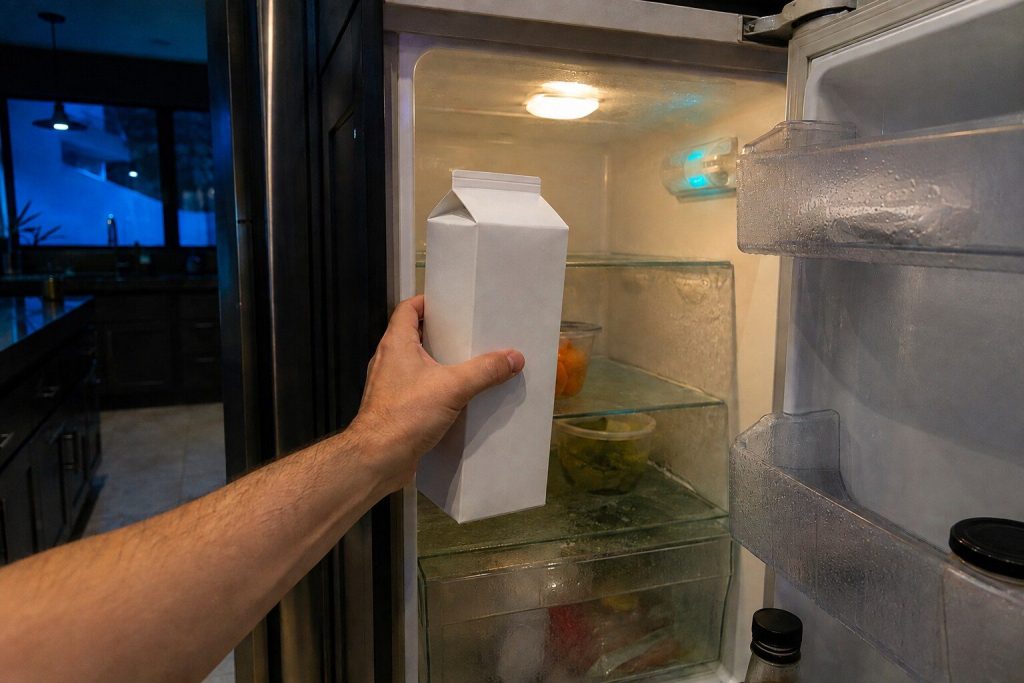
The lights are on and the food is warm Refrigerator not cooling
The most common call on this badge, and the first check is free. An LG refrigerator has a showroom mode that lights the whole panel, runs the fans and cools nothing at all, and it gets switched on at home by accident often enough that we ask about it on the phone before anything else.
- Demo mode looks exactly like a broken refrigerator and clears in ten seconds
- Three separate fan codes, and the usual cause of all three is ice rather than a dead motor
- The sealed system is last, and it is measured rather than assumed
-
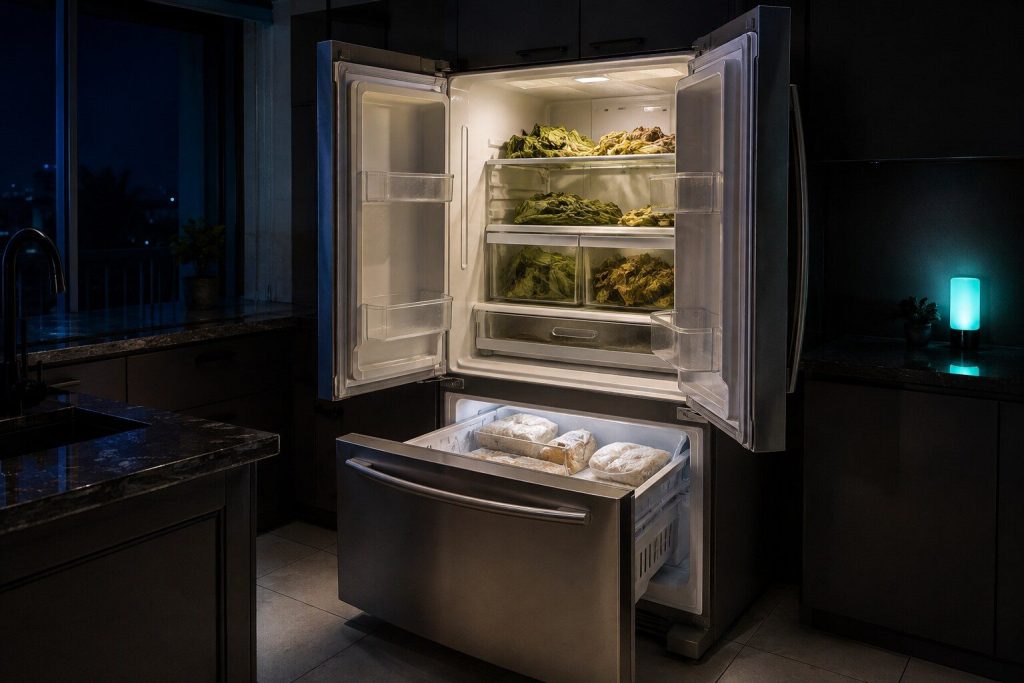
One compartment is right and the other is not Fridge warm and freezer cold
The combination that rules more out than it rules in. On most LG cabinets one cooling system feeds both compartments and a damper divides the cold between them, so a freezer that is still hard proves the compressor, the gas and the condenser are all doing their job — and moves the whole question to how the cold is getting from one side to the other.
- A hard freezer proves the sealed system is fine, which removes the expensive answer
- Air, damper, or the fan feeding the fresh food side
- On a two-evaporator cabinet, the code prefix says which coil is involved
-
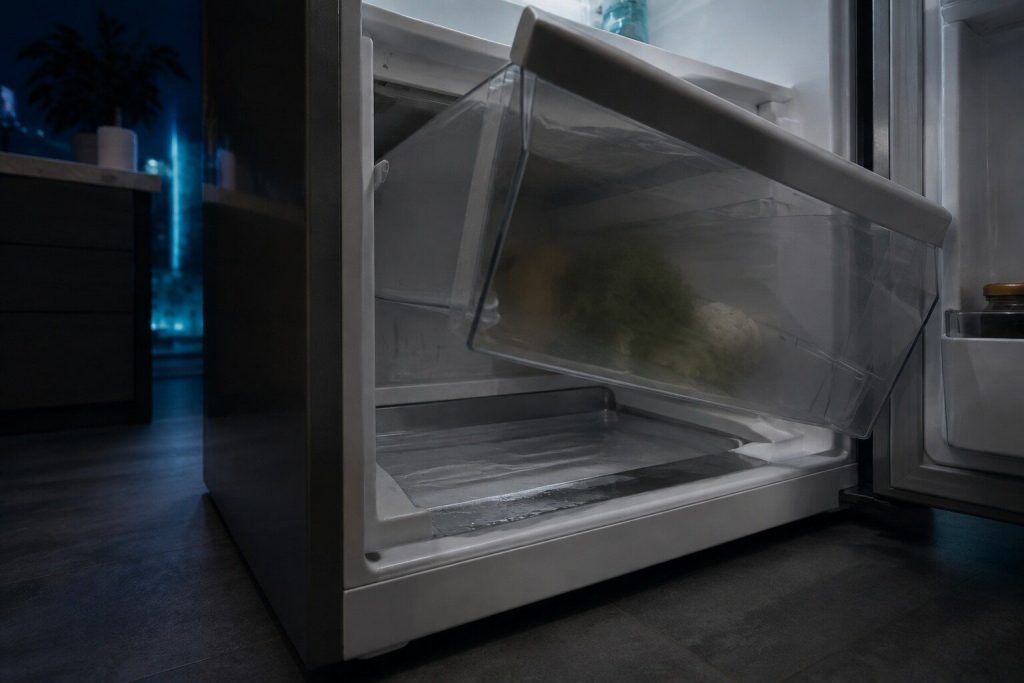
Water on the floor, or under the crisper Refrigerator leaking water
Water arrives from two places on this appliance and they are completely different repairs. Melt water that should have gone down a drain and did not, or supply water from the line that feeds the dispenser and the ice maker. Where the puddle is tells you which, and it is worth knowing before anybody is called.
- Under the crisper means the defrost drain, which is often a five-minute clear
- At the back or the toe kick means the supply line or the drain pan
- A leak that only appears after ice is made is the fill valve, not the drain
-
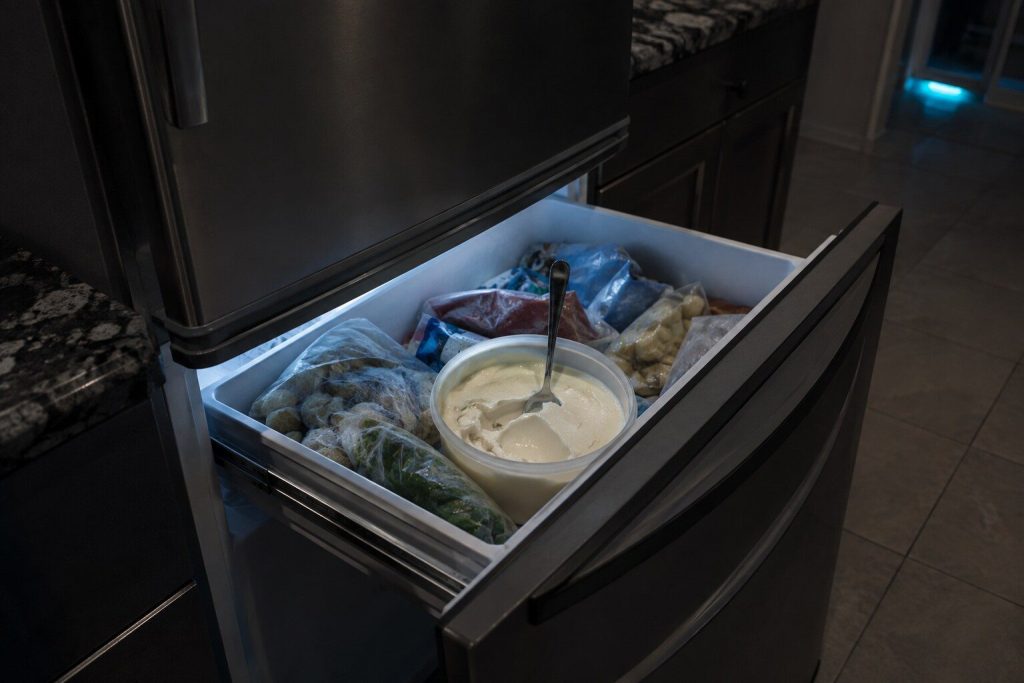
Soft packets, and water in the bottom basket Freezer not freezing
On this make the freezer is a compartment rather than a separate machine, which changes the diagnosis in a useful way: the compartment beside it is a live instrument. A freezer that is failing while the fresh food side holds is telling you something quite different from both of them drifting together, and LG's own codes carry that distinction in their prefix.
- The refrigerator compartment beside it is the most useful measurement you have
- FF, FS and dS are published and each names a different part
- A drawer that will not close on a packet is a real and common cause
-
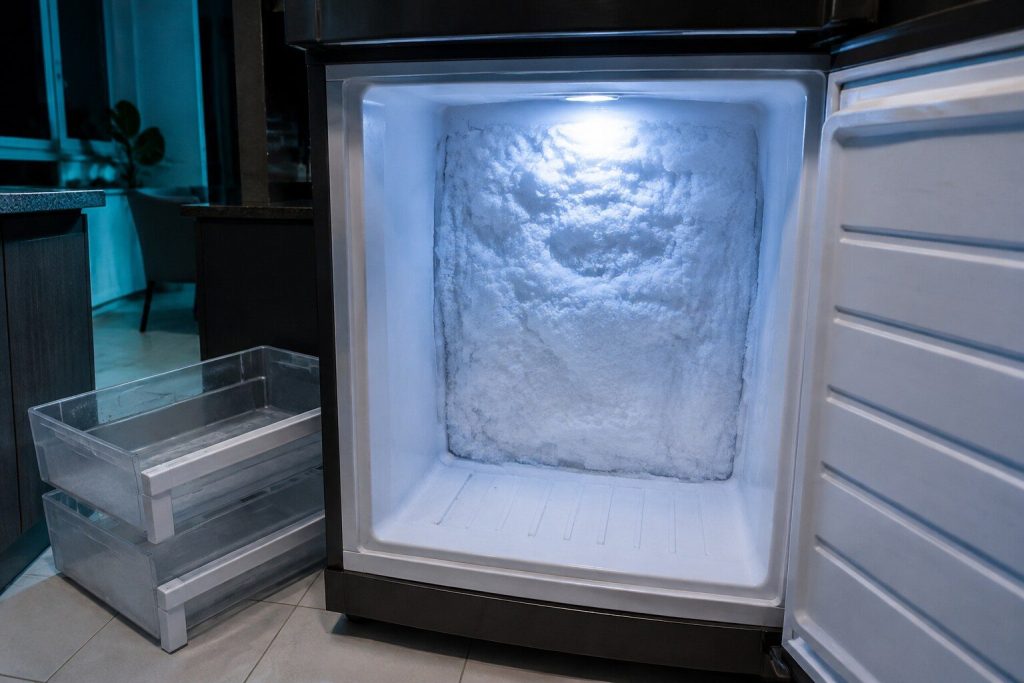
A white wall behind the back panel Frost building up in the freezer
Frost inside a freezer is not a cosmetic problem and it does not stay a small one. A modern cabinet is supposed to melt its own coil clear every few hours; when it stops doing that, the ice grows across the airway until the compartment above it starts to fail. This is the slow failure that people live with for a month and then call about in a hurry.
- A frost-free cabinet with frost has a defrost problem, by definition
- dS is the sensor half of the circuit; the heater is measured rather than read
- Do not chip at it — the coil is aluminum and the tubing is thin
-
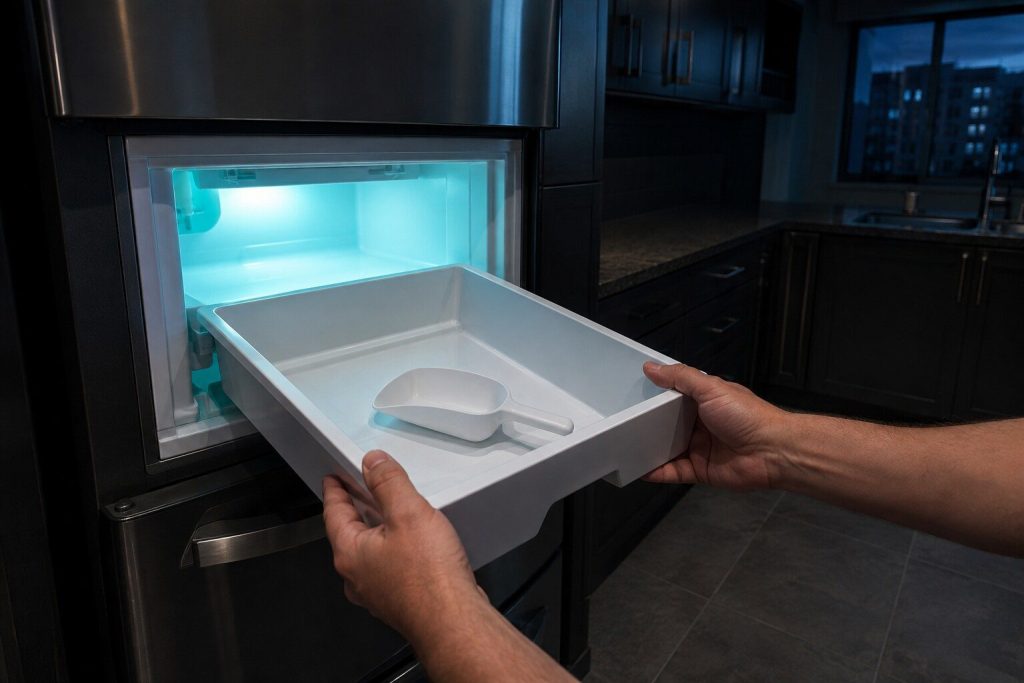
The bucket is empty and everything else looks fine Ice maker not making ice
The most common call on this badge after cooling itself, and the one where the useful question is not about the ice maker at all. Does the water dispenser still work? That single answer splits the problem in half before anybody opens anything, because ice and water share a supply and part company inside the door.
- Water working and ice not moves the whole question inside the compartment
- IF, IS and It are published — fan, sensor and motor
- A fill tube frozen at the mouth is common here and free to clear
-
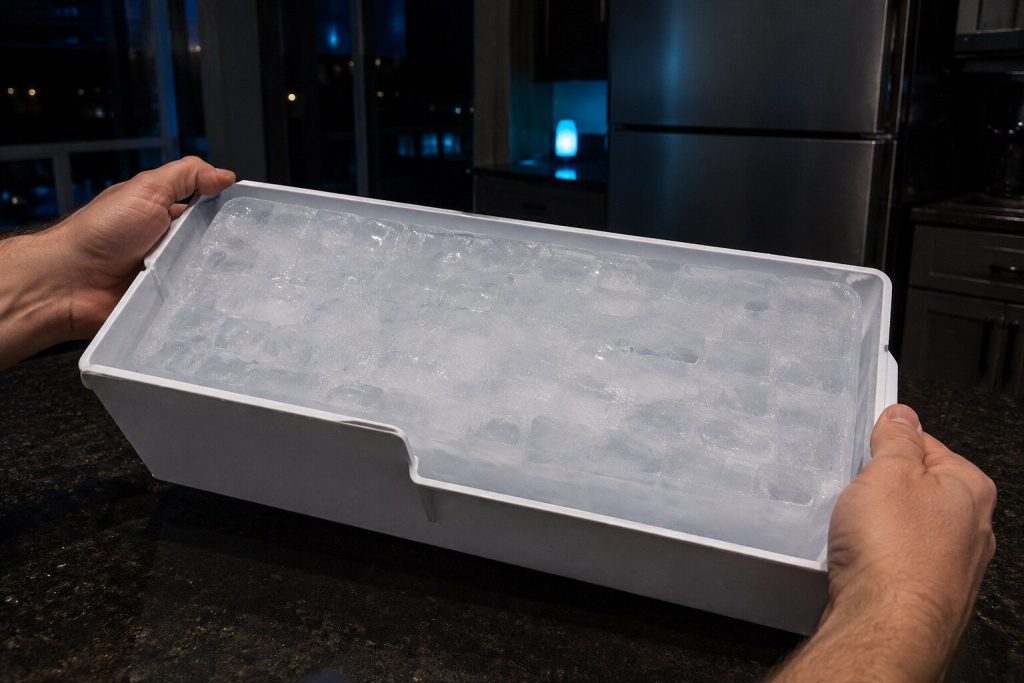
One clear mass instead of cubes Ice maker frozen into a block
A bucket of ice that has fused into a single lump is not the ice maker failing to work — it is ice sitting still for long enough to weld itself together, usually because the compartment is going through small warm-up cycles it should not, or because nobody has used any ice for a fortnight.
- Ice that partly melts and refreezes bonds into a solid mass
- A door left ajar, a failing seal, or a defrost problem all do it
- Clearing it is easy; the reason it happened is the actual question
Not every code is an error
Four of these mean nothing is wrong
CL is the control lock. tcL is a washer asking for a tub clean. H5 is a cooktop saying the glass is hot. 5b is an oven in Sabbath mode. None of them is a failure and all four get called in as one, which is why they have pages of their own here.
Before you call
Questions about codes
The code is not on this list.
Tell us exactly what it says, including any letter in front of it and any space. LG uses several panel generations and a code can be printed slightly differently between them. If it is genuinely one we have not published, we would rather find out than guess.
Should I reset the machine?
Write it down first. A reset clears the display and not the condition, and the code is the most useful thing a first visit can start from. After that, yes — LG's own first step for a great many of these is to cut the power for five minutes, and a code that never returns was an event rather than a failure.
My machine has no display at all.
Then it reports by blinking its indicator lights, and LG publishes what the patterns mean. Count a full sequence, photograph the panel mid-blink, and quote the pattern when you call. On those machines the pattern is the entire diagnosis.
In more detail
How this archive is organized
Per condition, not per string
A code archive that publishes one page per string ends up with several near-identical pages competing with each other for the same reader. This one publishes one page per condition and prints every string LG uses for it, so a search for any of them lands on the page that answers it.
What is LG’s and what is ours
The code strings, the condition each belongs to, and which appliance shows it are facts published by the manufacturer and checkable against its own support library. The meaning on each page, the order of the steps and the judgement about what it usually turns out to be in a South Florida house are ours. We do not reproduce the maker’s wording, and we do not publish a code the maker has not.
Quote the code exactly, prefix and all.
With the code and the model number we can usually name a likely part before anybody sets off.
This article is based on:
- Official manufacturer documentation
- Internal repair procedures
- Technician repair history
- Company quality standards