Troubleshooting
Your Oven Says 350 and It Is Not 350: Calibrating an LG
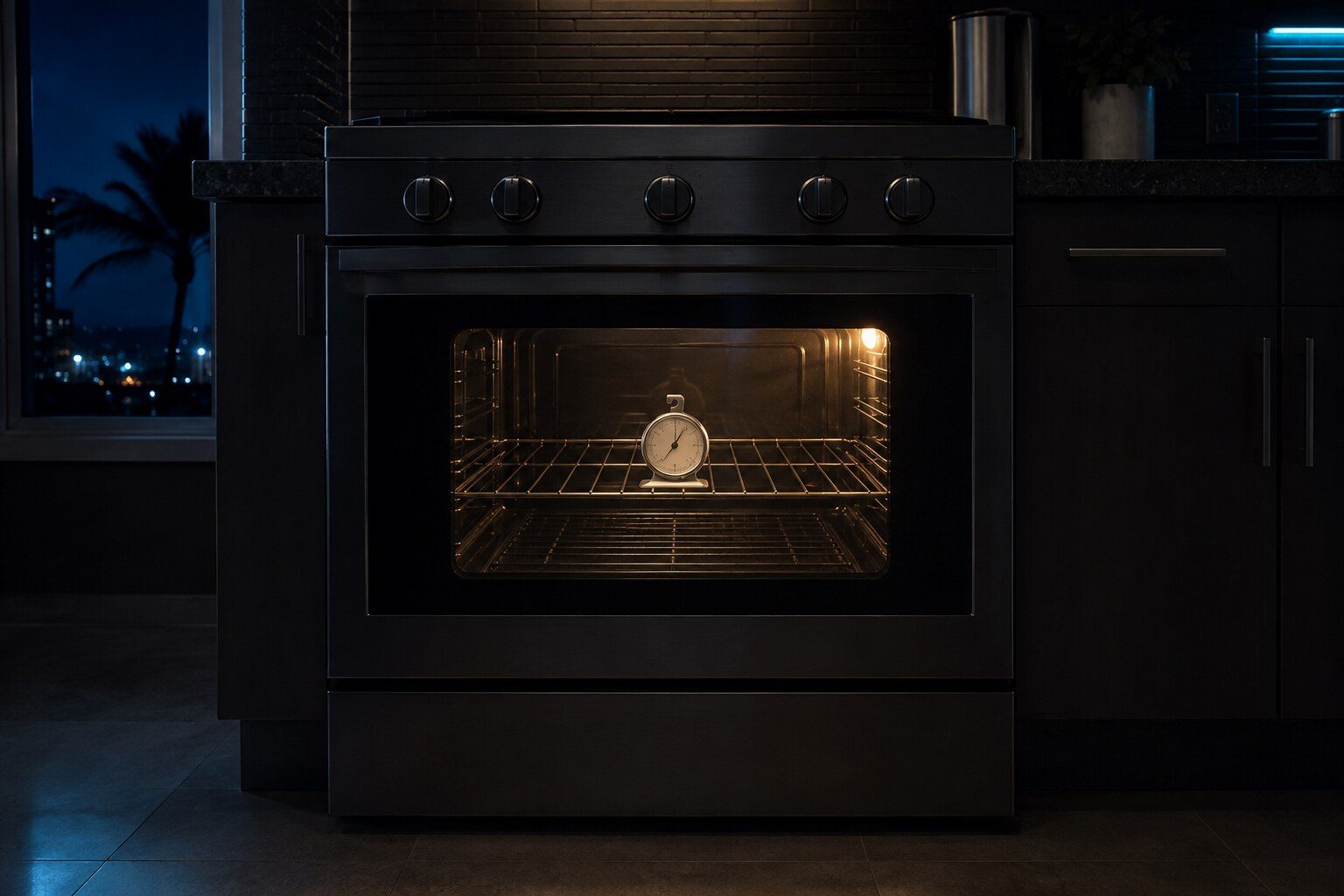
Measure before you adjust anything. Put an oven thermometer on the middle shelf, set 350°F, and leave it a full thirty minutes rather than reading at the end of preheat — the walls are still catching up and the reading is meaningless. Then take three readings across another half hour. If all three sit at about the same wrong number, the oven is measuring slightly wrong and holding exactly what it measures, and that is what the calibration offset in the control menu exists for; most LG ovens allow about thirty-five degrees of adjustment either way and it takes five minutes with no parts. If the readings wander — three hundred and twenty, then four hundred, then three hundred and forty — the oven is losing its measurement intermittently, no offset will help, and the temperature sensor is the repair. One free thing to rule out before either: a sensor probe knocked out of its clip and touching the cavity wall reads the wall rather than the air.
The full guide
LG oven temperature calibration: measure first, everything depends on it
Almost every conversation about oven temperature starts with an adjustment and should start with a measurement.
Put an oven thermometer — a real one, on the middle shelf, in the middle of the cavity. Set the oven to 350°F. Then leave it for a full thirty minutes.
Not fifteen. Not "when the preheat beeps." An oven reaches its set point at the sensor long before the walls and the racks have caught up, and a reading taken at the end of preheat tells you about the air near the sensor rather than about the oven you cook in.
After that half hour, take three readings spread across another thirty minutes.
Reading the three numbers
310, 312, 308. Three readings clustered around the same wrong figure. The oven is measuring slightly low and then holding exactly what it measures — which is obedience rather than failure. This is what the calibration offset exists for.
320, 400, 340. Three readings that wander. The oven is losing its measurement intermittently, and no offset can correct something that is not consistent. That is the temperature sensor, and it is a part rather than a setting.
The distinction matters because one of them costs nothing and takes five minutes, and the other is a visit.
Setting the offset
On most LG ovens the adjustment lives in the settings menu and allows roughly thirty-five degrees in either direction. The exact key sequence varies by model and by panel generation, so the manual for your own machine is the right source — but the principle is the same everywhere: you are telling the oven that its own reading is wrong by a known amount, and it applies that correction from then on.
Set it, then measure again using the same method. The point of the offset is a number you can verify, not a feeling that it seems better.
The free thing to check before either
Look at the temperature probe in the cavity. On most LG ovens it is a slim metal rod protruding from the back wall, usually near the top.
It should stand clear of the metal around it. A probe that has been knocked out of its clip — by a roasting tray going in at an angle, or by somebody cleaning — and is now resting against the cavity wall reads the wall rather than the air. The wall is hotter, so the oven thinks it is up to temperature sooner and runs cold.
Bending it gently back into position is free and it is a real cause.
What is not calibration
Uneven cooking front to back or top to bottom. That is elements, the convection fan, or a door that is letting heat out at one corner. LG codes convection fan problems as F7 and F17.
An oven that preheats very slowly. Usually a door seal or a hinge that has dropped. An oven is a box with one deliberately weak side, and a hinge that has sagged a few millimeters over ten years lets out more than people expect.
F-codes on the display. Those are conditions rather than drift, and the number carries a location: F1 and F2 are the upper cavity thermistor, F4 and F5 the lower one. On a double oven that saves opening the wrong cavity.
Why gas ovens swing more
If you have a gas oven and the reading moves twenty degrees either side of the set point, that is normal for the technology rather than a defect. A gas burner is either on or off, so the cavity is always overshooting slightly and then falling back. Electric ovens with a modern control cycle more gently.
What is not normal on either is a middle that keeps moving — a temperature that averages 350 today and 320 next week. That is drift, and it is worth measuring twice a year on an oven you rely on.
If it turns out to be a repair
What this leads to, and what it costs
Every job on this site is priced the same way: an on-site diagnostic first, the figure agreed in writing before anybody starts.
-
Oven temperature is wrong
There are three quite different things behind this and they need different answers: an oven that is out by a consistent amount, an oven that swings, and an oven that is fine but is being judged by a thermometer that is not. Establishing which one you have is most of the job.
- Consistently out is calibration; swinging is the sensor
- Measure at the middle shelf, not at the door and not by eye
- Most of these can be offset from the panel without any parts
-
Oven sensor calibration
An oven that is consistently out by twenty or forty degrees is measuring slightly wrong and doing exactly what it is told. That is what the offset in the control menu is for. An oven that swings is a different thing and needs the sensor, and telling the two apart takes half an hour with a probe.
- Steady error is calibration; a swing is the sensor
- Measured against a probe, not against the display
- Most LG ovens offer an offset of up to about 35°F
-
Range error code F1
LG range error code F1: An oven holds temperature by comparing what it wants against what its sensor reports, so a sensor that has drifted or opened leaves it with nothing to aim at. Every spelling LG publishes for it, which machines can raise it, and what to do next.
What this one means
Questions people ask about this
Everything takes longer than the recipe says.
Measure before assuming. Recipes are written for a nominal 350°F and most ovens are a little off. If the oven measures correctly, the difference is more likely the pan, the shelf position or a crowded cavity than the appliance — dark metal cooks faster than glass, and an oven packed with trays cooks unevenly no matter how accurate it is.
Can I calibrate it myself?
On most LG ovens yes, and it is in the settings menu rather than hidden. What is worth doing first is measuring properly, because calibrating against a bad thermometer moves the problem rather than fixing it. A cheap dial thermometer that has been in a drawer is not evidence.
The top of the oven is right and the bottom burns.
That is not a calibration question. Uneven cooking top to bottom points at the elements, the convection fan on models that have one, or a door that no longer seals — and a door is worth checking because an oven is a box with one deliberately weak side. LG codes the convection fan as F17 and F7.
It was fine and now it is out by forty degrees.
A sudden change points at the sensor rather than at drift, because drift is slow by definition. Measure it three times: if the error is steady, an offset will hide it but the underlying change is still worth investigating; if it wanders, that is the sensor and an offset cannot help.
Troubleshooting
More guides like this one
-
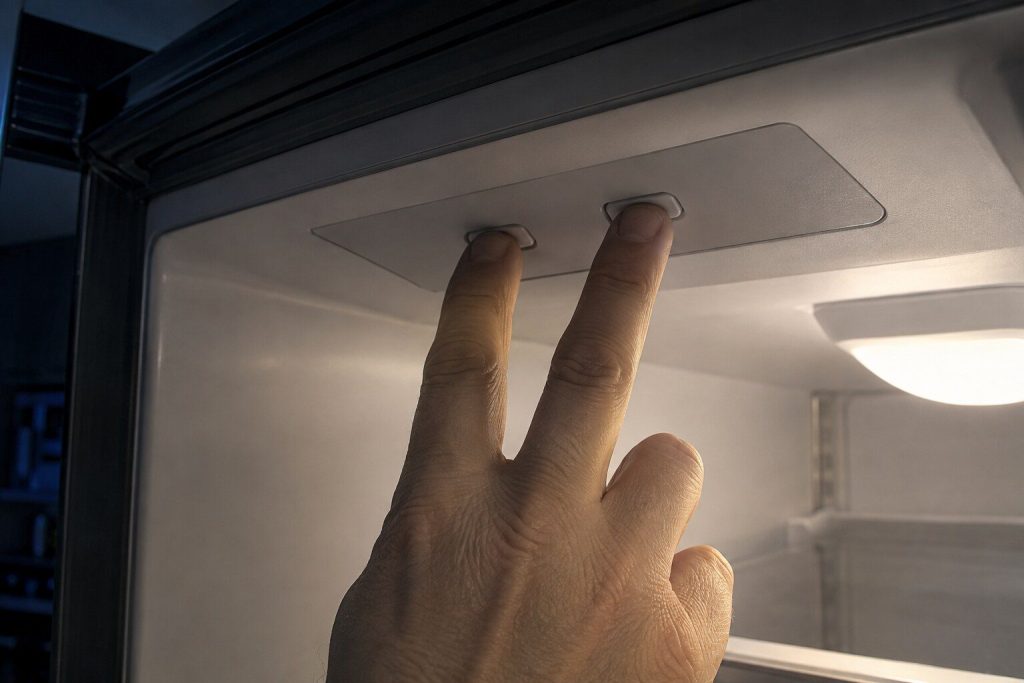
Er, F or r: The Letter in Front of an LG Refrigerator Code
The characters name the part. The letter in front of them names which cooling system is reporting it — and everybody drops it when they write the code down.
Read more -
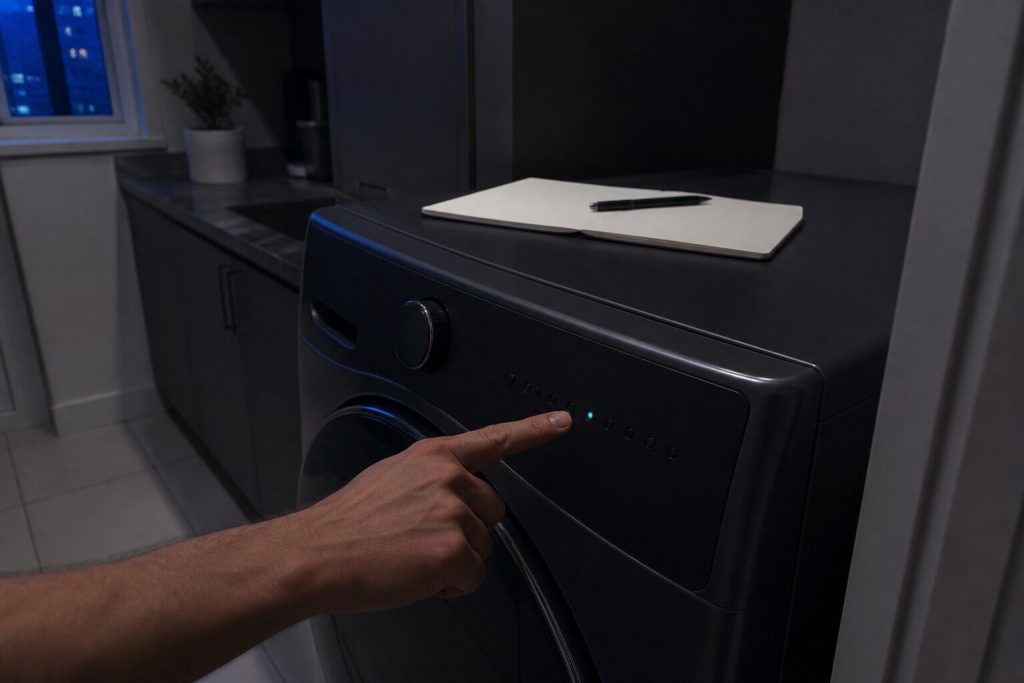
Reading an LG Washer or Dryer by Its Blinking Lights
Some of these machines have no numbers to show you. They report by which lights blink, the maker publishes what the patterns mean, and there is nothing to type into a search box.
Read more -
The Oven Door Is Still Locked After Self Clean. What Now?
Time first, because the lock is not allowed to release while the cavity is hot — and on a well-insulated wall oven that is hours rather than minutes.
Read more
Tell us the model number and what it is doing.
This article is based on:
- Official manufacturer documentation
- Internal repair procedures
- Technician repair history
- Company quality standards