Troubleshooting
Reading an LG Washer or Dryer by Its Blinking Lights
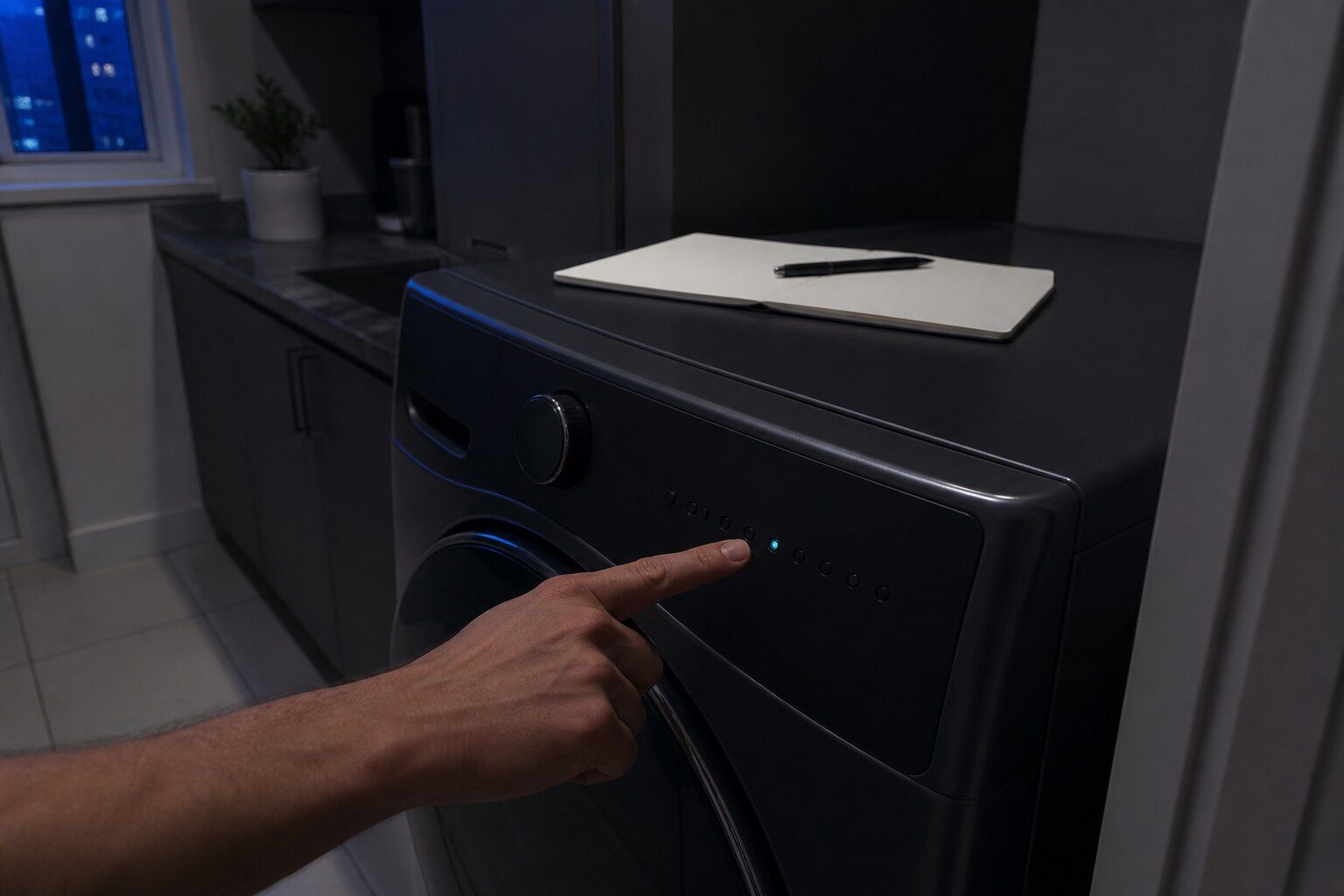
To reset an LG dishwasher, hold the Start or Start/Pause key for about three seconds to cancel the cycle, then cut power at the breaker for a full minute if the condition persists. On machines that have no numeric display at all — several LG top load washers and dryers — there is no code to reset or read, because the machine reports by blinking its cycle indicator lights instead, and LG publishes what those patterns mean. Four steps make that usable. Watch a complete sequence before touching anything, because the pattern repeats and the first flash you notice is rarely the first flash of the cycle. Count which lights are lit rather than how fast they blink, because the identity of the lit lamps is the code and the speed is not. Photograph the panel mid-blink, which is far easier than describing it later. And only then cut the power, because the pattern disappears with it.
The full guide
How to reset LG dishwasher, and the machines that have no code
Two levels, in order.
Hold the Start or Start/Pause key for about three seconds. On most LG dishwashers that cancels the running cycle, and the machine will drain before it stops rather than leaving water in the tub.
If the condition comes back, or the machine will not respond at all, cut the power at the breaker for a full minute. A minute rather than a few seconds — the board holds charge and a quick flick often changes nothing.
One thing to rule out first, because it costs nothing and it is the commonest non-failure on this appliance: CL on the display is the control lock, not an error. Hold the two keys marked for it for three seconds and listen for the chime. It survives the power being switched off and on, which is exactly what convinces people the machine is broken.
The machines that have no code to reset
Not every LG appliance has a numeric display. Several top load washers and dryers report by blinking their cycle indicator lamps instead, and LG publishes what those patterns mean for both.
That makes them codes in every way that matters — documented by the manufacturer, specific, and worth writing down. The practical difficulty is different from every other diagnostic on this site: there is nothing to type into a search box.
Four steps that make it usable
Watch a complete sequence first. The pattern repeats, and the first flash you happen to notice is rarely the first flash of the cycle. Stand there for three or four repetitions before you touch anything. It feels like doing nothing and it is the most useful thirty seconds of the whole job.
Count which lights are lit, not how fast. The identity of the lit lamps is the code. The speed carries nothing and varies between panel generations, so a description built around "it flashes quickly" is a description of nothing.
Photograph the panel mid-blink. Far easier than describing it on the phone later, and it is what a technician actually works from. Video is better still if the sequence is long.
Only then cut the power. The pattern goes with it. A machine that has been reset is a machine with nothing left to say, and every diagnosis after that starts from scratch.
The caution the maker gives, and it saves calls
The same indicator lamps show ordinary cycle status. A machine that is washing normally and blinking a stage indicator is a machine that is washing normally.
So the pattern is only an error when the machine is misbehaving as well — stopped mid-cycle, refusing to start, sitting full of water, running far longer than it should. If everything is working and something is blinking, that is almost certainly the appliance telling you what it is doing rather than what is wrong.
What to say when you call
Three things, and they are worth having ready:
- The model number. Inside the door opening on a washer or dryer. It decides which published pattern list applies, and the lists are not identical across machines.
- The pattern, described by which lamps are lit — or better, the photograph.
- What the machine was doing when it stopped. Filling, washing, spinning, drying, or refusing to start at all.
Those three together are usually enough to name a likely part before anybody sets off, which is the difference between one visit and two.
If it turns out to be a repair
What this leads to, and what it costs
Every job on this site is priced the same way: an on-site diagnostic first, the figure agreed in writing before anybody starts.
-
Washer: Blinking cycle lights on a machine with no display
LG washer — reported by blinking lights rather than by a code. Not every LG laundry machine has a digital display.
What the lights are telling you -
Dryer: Blinking LEDs on a dryer with no display
LG dryer — reported by blinking lights rather than by a code. As with the washers, some LG dryers have no numeric display and report by blinking their indicator lights instead, and LG publishes the mapping.
What the lights are telling you -
Washer will not drain
A front loader stopped full of water is the laundry equivalent of the dishwasher call, and it has the same shape: a filter almost nobody knows about, a hose that gets crushed, and a pump that is usually innocent. LG's own troubleshooting order is the right one and it is worth following before booking anything.
- There is a pump filter behind a small door at the bottom front
- OE, E03 and E21 are the same condition under three names
- Put a tray down first — there is more water behind that filter than people expect
Questions people ask about this
Is a blinking light always an error?
No, and this is the caution that saves service calls. The same indicator lamps show ordinary cycle status — which stage the machine is in, whether an option is selected. Treat a pattern as an error only if the machine is misbehaving as well: stopped mid-cycle, refusing to start, or sitting full of water.
Why do some LG machines have no display?
Cost and simplicity rather than age. A numeric display is a component, and on the more basic top loaders and dryers LG uses the cycle indicator lamps it already has to carry the same information. The reporting is the same; only the way it is presented differs.
Can I make it show me a code some other way?
Not on the laundry machines. On refrigerators you can — hold Freezer Temperature and Express Frz together for three seconds and the last code returns to the display. That trick is worth remembering after a power cut, because the display clears itself and the condition does not.
The pattern changed while I was watching.
Then watch two or three more full sequences before deciding. A pattern that genuinely changes between repeats usually means the machine has moved on — it retried something and reached a different conclusion — and that is worth reporting as well, because an intermittent condition and a fixed one are different visits.
Troubleshooting
More guides like this one
-
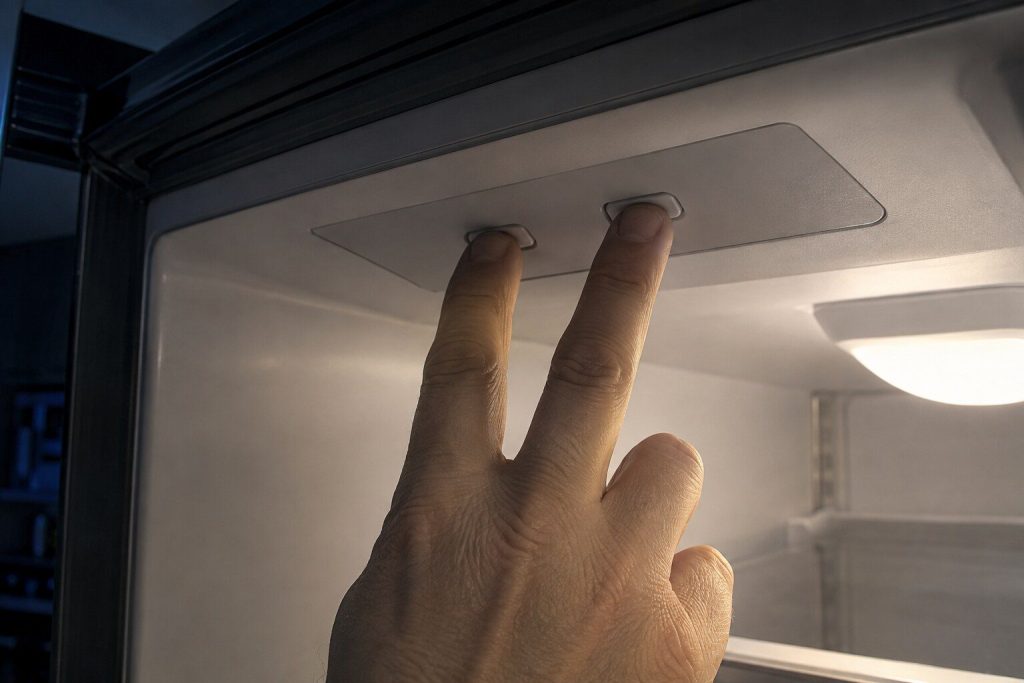
Er, F or r: The Letter in Front of an LG Refrigerator Code
The characters name the part. The letter in front of them names which cooling system is reporting it — and everybody drops it when they write the code down.
Read more -
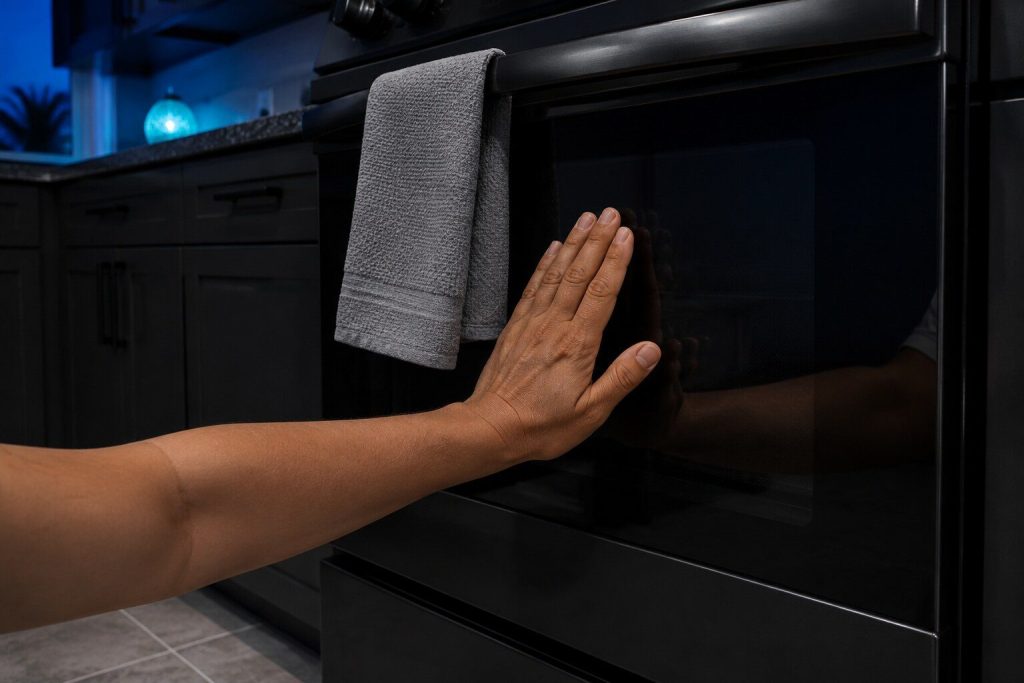
The Oven Door Is Still Locked After Self Clean. What Now?
Time first, because the lock is not allowed to release while the cavity is hot — and on a well-insulated wall oven that is hours rather than minutes.
Read more -
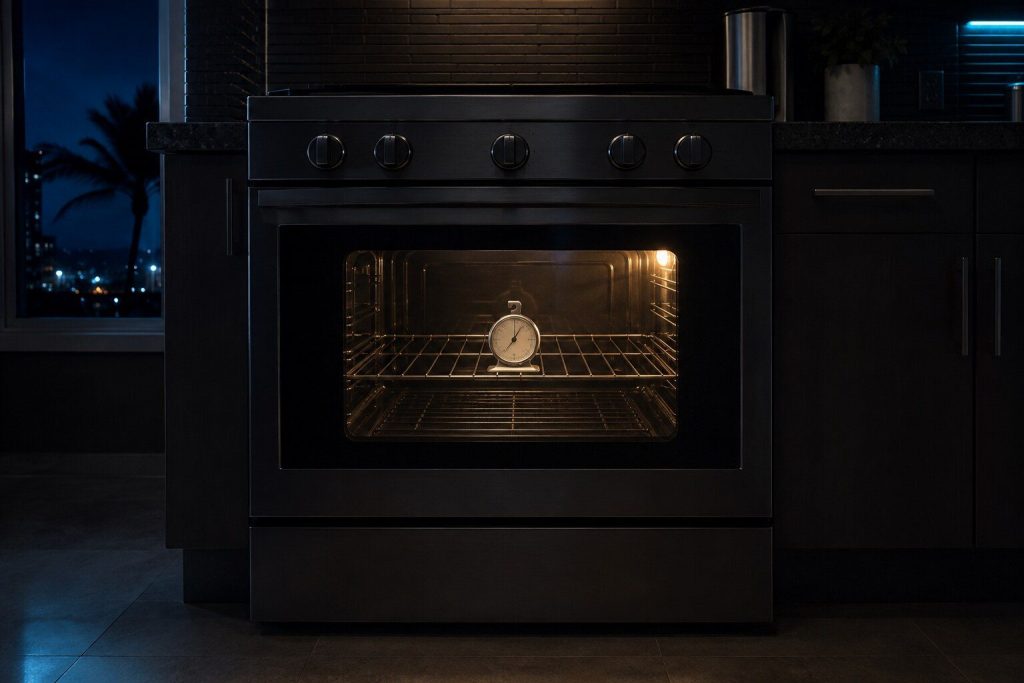
Your Oven Says 350 and It Is Not 350: Calibrating an LG
A steady error is an offset you can set yourself in five minutes. A swing is a sensor and needs a visit. Half an hour with a thermometer tells you which.
Read more
Tell us the model number and what it is doing.
This article is based on:
- Official manufacturer documentation
- Internal repair procedures
- Technician repair history
- Company quality standards