Troubleshooting
The Oven Door Is Still Locked After Self Clean. What Now?
Wait, and wait longer than feels reasonable. The door lock on a self-cleaning oven is not allowed to release until the cavity is genuinely cool, and a well-insulated wall oven takes hours rather than the twenty minutes people give it. If the oven is cold to the touch inside and out and the door is still locked, press CLEAR/OFF and then switch the breaker for the appliance off for thirty seconds. That clears a control that has lost track of where the latch is, which is the commonest cause after simple impatience. If it survives that, the motorized latch or the switch that proves its position has failed, and LG names those F10 for the upper cavity and F20 for the lower. One code on this list is different and it is the one to stop using the oven over: F27 means the cooling fan stalled during self clean, and the maker's own instruction is to cut the breaker rather than to try again.
The full guide
How to unlock LG oven after self clean: wait longer than feels reasonable
This is the answer for most people who search this, and it is unsatisfying because it asks for patience rather than action.
A self-cleaning oven locks its own door for the duration of the cycle and refuses to unlock until the cavity is genuinely cool. That is not a courtesy. A pyrolytic cycle takes the cavity far above cooking temperature — several hundred degrees above — and a door that could be opened partway through would be dangerous in a way ordinary cooking never is.
On a freestanding range, ninety minutes to two hours after the cycle ends is typical. On a built-in wall oven it can be three or four hours, because the insulation that makes it safe to sit inside a run of cabinetry also makes it slow to lose heat.
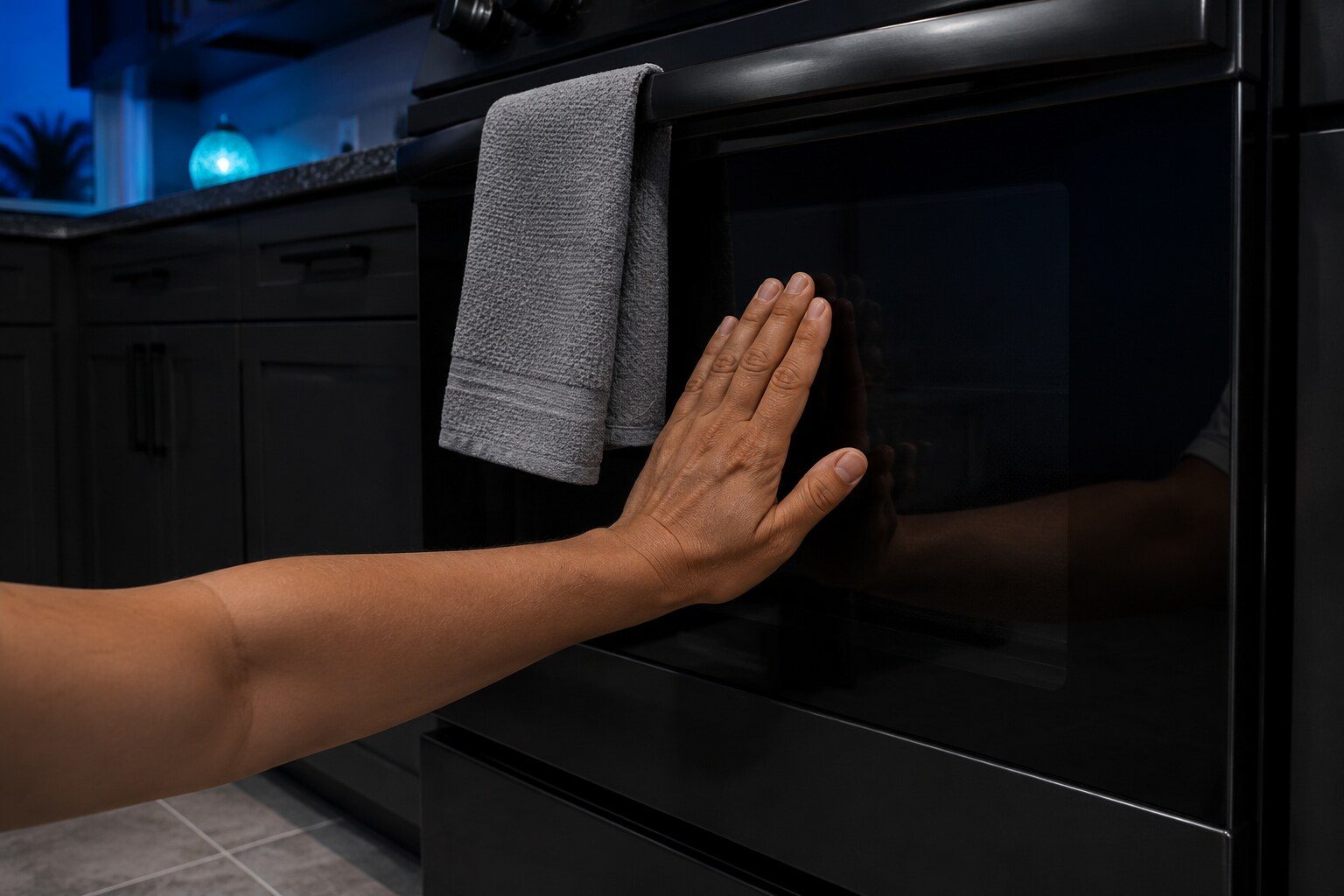
The simplest test is the outside of the door. If it is still warm to the back of your hand, the cavity is still hot and the lock is behaving correctly.
Then the reset
If the oven is genuinely cold — inside and out, hours later — and the door is still locked:
- Press CLEAR/OFF.
- Go to the breaker panel and switch the oven's breaker off for thirty seconds, then on.
That clears a control that has lost track of where the latch is, which is the commonest cause once impatience is ruled out. Thirty seconds rather than three, because the board holds charge.
What the codes say
LG names the door locking system in two places, and the number carries a location:
- F10 — the door locking system on the upper cavity.
- F20 — the same thing on the lower cavity of a double oven.
That distinction is worth quoting when you call. On a built-in double oven, knowing which cavity means the appliance comes out of its cabinet once instead of twice.
The code appears both ways round, incidentally: a door that will not lock so self clean will not start reports the same condition as a door that will not unlock after one.
The one to stop over
F27 is different from everything else on this page. It means the cooling fan stalled while the oven was at its hottest.
Self clean takes the cavity far above anything cooking ever does, and the only thing protecting the surrounding cabinetry, the control board and the wall behind it is a fan moving air through the shell. If that fan stops, the heat has nowhere to go.
LG's instruction is to cut the breaker, and it is the right instruction. Do not restart a self clean to see whether it happens again. Use the oven for ordinary cooking only if it will run without the code, clean it by hand in the meantime, and have the fan looked at promptly — this is a safety repair rather than a convenience one.
What not to do
Do not lever the door. The latch sits behind the fascia and the mechanism is stronger than the glass in front of it. A door pack on a wall oven costs several times what a latch costs.
Do not leave the breaker off and forget it. A motorized latch with no power stays exactly where it is, so cutting power permanently locks the door rather than releasing it.
And a word about self clean generally
It works, and it is hard on the appliance. Every pyrolytic cycle ages the door seal, the hinges, the cooling fan and the control board, because all of them spend hours at temperatures nothing else in the kitchen sees.
Once or twice a year is reasonable on an oven that gets used. Monthly is a way of buying repairs. And the cheapest cleaning of all is wiping a spill in the week it happens, while it is still something a cloth can move.
If it turns out to be a repair
What this leads to, and what it costs
Every job on this site is priced the same way: an on-site diagnostic first, the figure agreed in writing before anybody starts.
-
Range error code F10
LG range error code F10: The oven locks its own door for self clean and unlocks when the cavity is cool. Every spelling LG publishes for it, which machines can raise it, and what to do next.
What this one means -
Range error code F27
LG range error code F27: This is the one on the cooking list to stop using the oven over. Every spelling LG publishes for it, which machines can raise it, and what to do next.
What this one means -
Oven door repair
An oven is a box with one deliberately weak side. A hinge that has dropped, a spring that has tired or a glass pack that has separated all let heat out of the top corner, and the consequence is a cavity that preheats slowly, cooks unevenly and always seems to need longer than the recipe says — with a sensor that measures perfectly well.
- Slow preheating and uneven cooking with a good sensor is usually the door
- The door is heavier than it looks and the alignment is the job
- F10 and F20 are the lock rather than the hinge
Questions people ask about this
How long is 'hours', exactly?
On a freestanding range, ninety minutes to two hours after the cycle ends is usual. On a built-in wall oven, three or four is not unusual, because the insulation that makes a wall oven safe in a cabinet also makes it slow to lose heat. If the outside of the door is still warm, the cavity is still hot.
Can I speed it up?
Not safely, and not usefully. Do not open a window onto it, do not put a fan against the door, and certainly do not cut the power hoping the lock will drop out — a motorized latch without power stays where it is. The oven is doing what it was designed to do.
Should I use self clean at all?
It works and it is hard on the appliance. A pyrolytic cycle runs the cavity far above cooking temperature for hours, and that heat ages door seals, hinges, control boards and the cooling fan. Running it once or twice a year is reasonable; running it monthly is a way of buying repairs. Wiping spills when they happen is cheaper than either.
What if it locked without me starting a clean?
Then it is the latch or the control rather than the cycle, and the reset above is the right first move. A lock that engages on its own points at the switch that proves position, and that is a part rather than a wait.
Troubleshooting
More guides like this one
-
Er, F or r: The Letter in Front of an LG Refrigerator Code
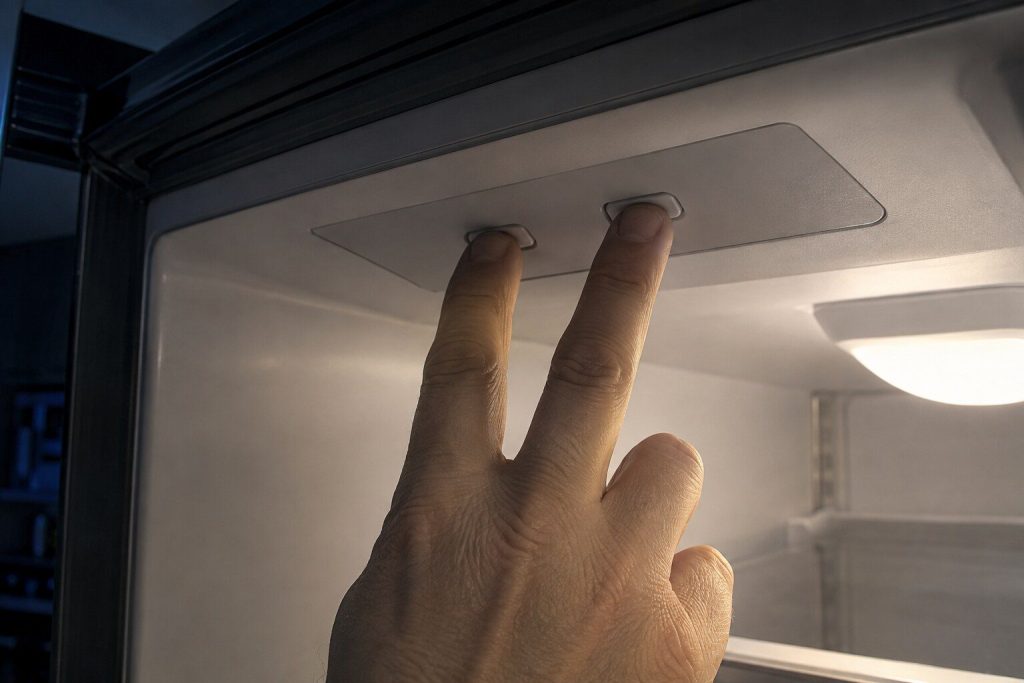
The characters name the part. The letter in front of them names which cooling system is reporting it — and everybody drops it when they write the code down.
Read more -
Reading an LG Washer or Dryer by Its Blinking Lights
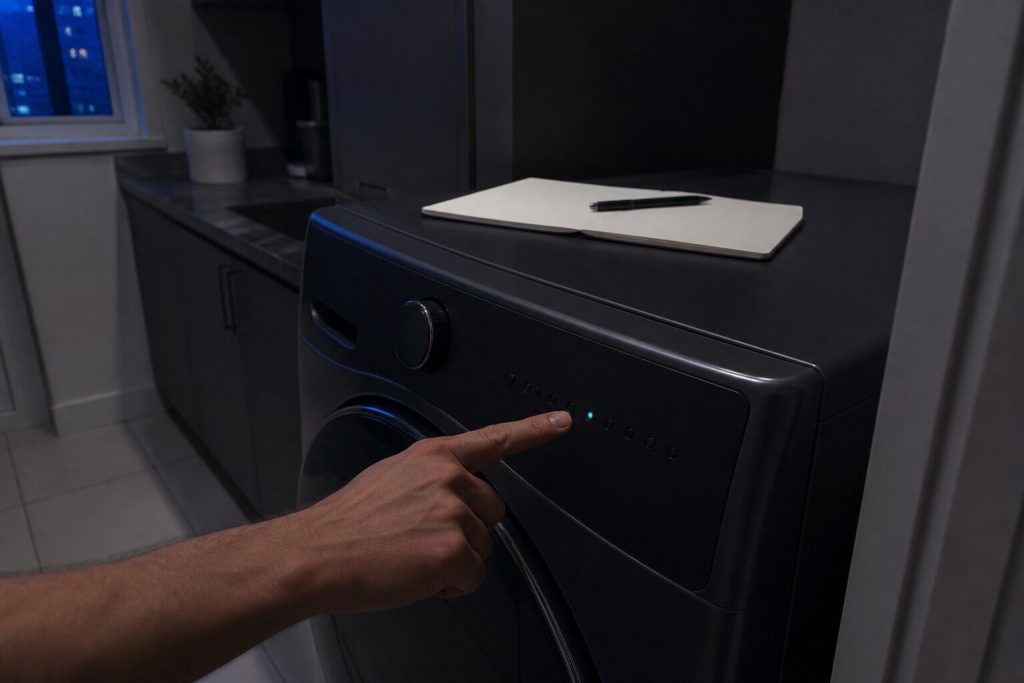
Some of these machines have no numbers to show you. They report by which lights blink, the maker publishes what the patterns mean, and there is nothing to type into a search box.
Read more -
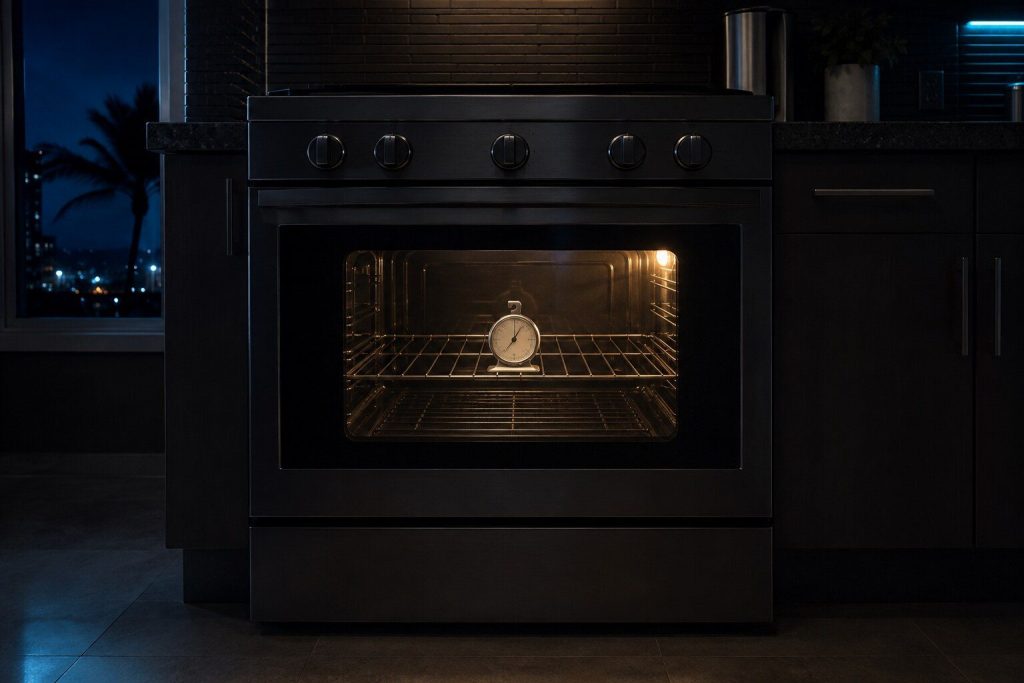
Your Oven Says 350 and It Is Not 350: Calibrating an LG
A steady error is an offset you can set yourself in five minutes. A swing is a sensor and needs a visit. Half an hour with a thermometer tells you which.
Read more
Tell us the model number and what it is doing.
This article is based on:
- Official manufacturer documentation
- Internal repair procedures
- Technician repair history
- Company quality standards